C#
Windows
WPF
XAML
Are you using a lot of the same programs or open the same websites over and over again? Usually you create a shortcut on the desktop or browser.
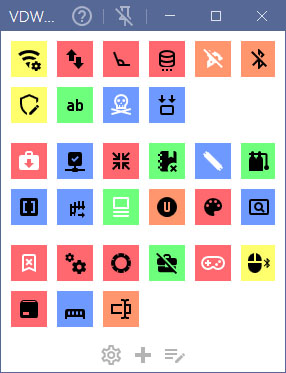
But now you can also put them in a simple Windows program that can be always on top of other programs so you can trigger your shortcut with one quick click.
The app uses the Material Design Icon pack. When adding a new shortcut you can enter an icon name and it will be added to the button automatically.
Key features
But now you can also put them in a simple Windows program that can be always on top of other programs so you can trigger your shortcut with one quick click.
The app uses the Material Design Icon pack. When adding a new shortcut you can enter an icon name and it will be added to the button automatically.
Key features
- Add a shortcuts to programs, files, websites or email addresses.
- Set your own icon for the shortcut, including the color of the button and icon.
- Set the color of the button and the icon per shortcut.
- You can define the number of columns, groups or button size.
- Tracks the number of click and date last used.
- Has a Dark Mode color scheme.
- Automatically adds icons based on their name.